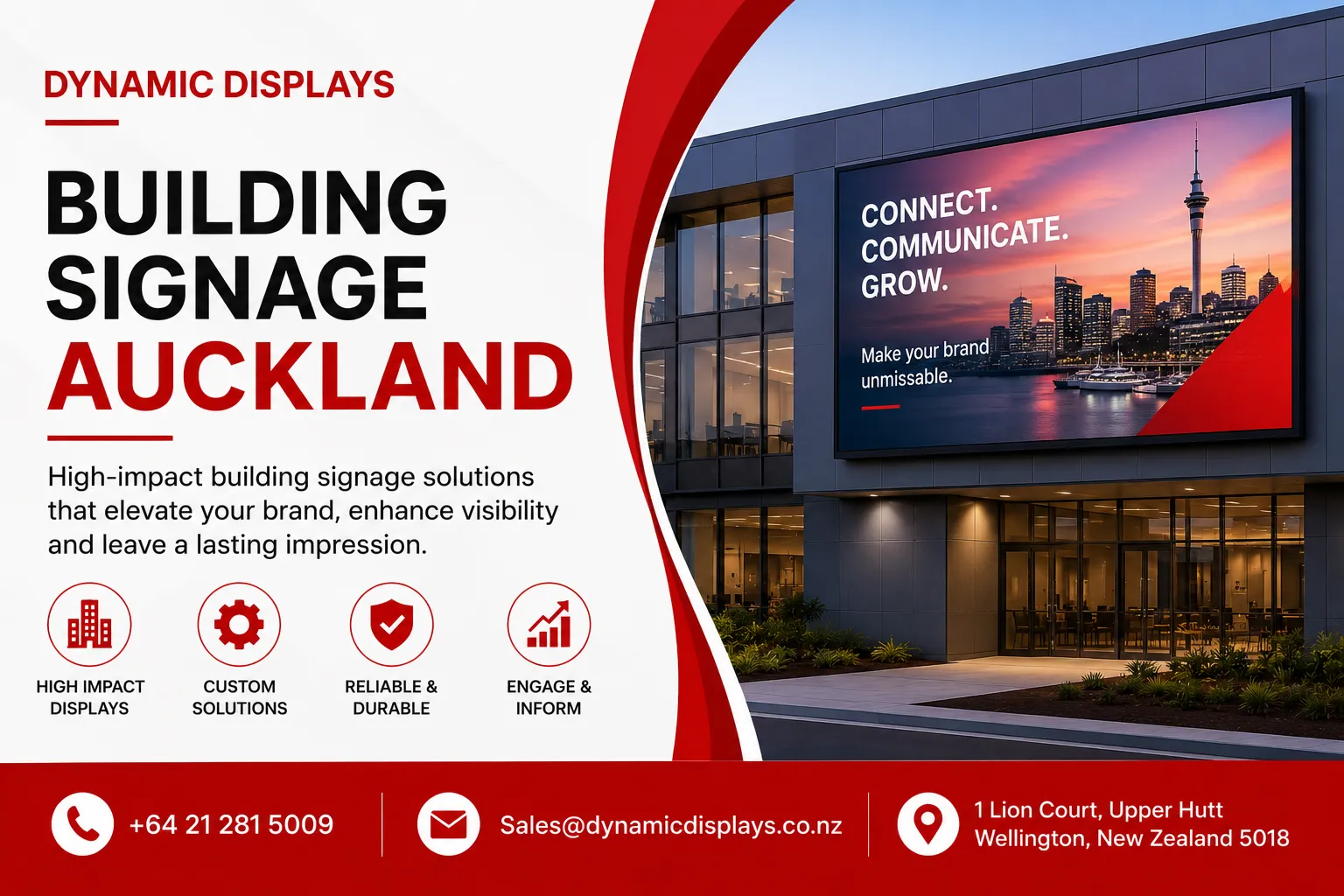
Building signage Auckland-wide covers everything from illuminated fascia letters to digital screens mounted on a storefront, and choosing the right type isn't always obvious. In my experience helping businesses across New Zealand think through their signage decisions, the businesses that get the best result are the ones who understand their options before they start asking for quotes, not after.
This guide walks through the types of building signage available to Auckland businesses, where digital signs and digital screens fit into the picture, what affects cost, the council rules you need to know about, and the mistakes that come up again and again. By the end, you'll have a clear sense of what's right for your building.
What Counts as Building Signage in Auckland?
Building signage refers to any sign mounted on, in, or around a commercial property to identify the business and communicate with the people who see it. In Auckland specifically, this spans illuminated fascia signs on busy retail strips, 3D lettering on corporate offices, pylon signs at industrial sites, and digital signs that display changing content instead of a fixed image.
It's worth being clear about one thing early. A digital sign or digital screen is still a sign. It's a sign built on screen technology rather than a printed panel, which means it can update its message without anyone needing to climb a ladder and swap out lettering. When business owners ask about "digital signage" versus "regular signage," they're really just choosing between two formats of the same thing.
Why Building Signage Matters for Auckland Businesses
Auckland is a sprawling, competitive market. Whether you're on a busy arterial like Great South Road or tucked into a business park in East Tamaki, your signage is doing a job your sales team can't: working around the clock, without a lunch break.
Here's what well-planned building signage actually achieves:
- Captures drive-by attention. Auckland's traffic volumes mean a huge share of potential customers see your building from a moving vehicle, not on foot.
- Builds trust before contact. A clean, well-lit sign signals a business that takes care of details. A faded or broken one suggests the opposite.
- Works after hours. Illuminated and digital signs keep your brand visible into the evening, when foot and vehicle traffic patterns shift.
- Supports navigation across larger sites. Business parks, healthcare campuses, and education providers rely on signage to help people find the right entrance or building.
- Reinforces brand consistency. Matching colours, fonts, and logo placement across signage builds recognition over repeated exposure.
Types of Building Signage for Auckland Properties
There's no universal answer here. The right signage depends on your building, your audience, and what Auckland Council allows at your specific site. Here's how the main categories break down.
Exterior Building Signs
These sit on the building's facade, roofline, or frontage and usually carry the most visual weight of any signage on the property.
Common exterior options:
| Sign Type | Best Suited For | Typical Lifespan |
|---|---|---|
| Illuminated channel letters | Retail, hospitality, corporate offices | 7 to 10 years |
| Flat-cut acrylic or metal letters | Professional services, clinics | 8 to 12 years |
| Digital signs / digital screens | Retail strips, hospitality, fuel stations | 5 to 8 years (with maintenance) |
| Pylon and monument signs | Business parks, industrial sites | 10+ years |
| Awning and canopy signage | Cafes, restaurants | 5 to 8 years |
| Window vinyl and frosting | Retail, clinics, offices | 3 to 5 years |
Interior Signage
Reception branding, directory boards, and wayfinding signage all fall under this category, and increasingly, so do digital screens used for menus or visitor information. A practical tip I've learned from projects I've been involved with: interior signage is often the most neglected part of a fit-out, despite being what a visitor stares at while they're sitting in your waiting room.
Digital Signs and Digital Screens
A digital sign uses an LED or LCD display instead of a printed panel, which means the content can change in seconds rather than requiring a full reprint and reinstall. From projects I've been involved with at Dynamic Displays, the businesses that benefit most from digital signage tend to be the ones whose message changes often: new promotions, shifting menu items, or rotating event information.
Digital signs and digital screens suit:
- Retail stores updating promotions and pricing regularly
- Cafes and restaurants running digital menu boards that adjust by time of day
- Corporate offices showing meeting schedules or visitor information
- Healthcare facilities displaying wait times or appointment queues
- Educational institutions communicating timetables or notices
- Hospitality venues promoting events or seasonal offers
Outdoor Digital Displays in Auckland's Climate
Auckland's mix of intense summer UV, humidity, and coastal exposure in many suburbs means outdoor digital signage needs to be specified properly, not just bought off the shelf. A screen designed for indoor use will fail quickly outdoors here.
Look for an IP65 rating or higher for weather resistance, brightness in the 2,500 to 5,000 nit range so content stays legible in direct sun, and a sealed, ventilated housing to manage heat buildup, particularly important for north-facing installations that catch sun for most of the day.
Materials That Hold Up in Auckland
In my experience, material choice is where businesses most often try to save money, and it's almost always the wrong place to cut.
- Aluminium composite panels (ACM) – durable, weather resistant, the standard choice for flat exterior signage and digital screen housings
- Acrylic – suits illuminated letters and panels, though it can yellow without UV protection over time
- Stainless steel – corrosion resistant, often used for premium corporate signage
- Cast vinyl – holds colour well under Auckland's UV exposure, used for window graphics and applied lettering
- LED and LCD panels – the core of digital signs, with lifespan depending heavily on brightness rating and ventilation
One mistake I've noticed repeatedly: a business installs a budget digital screen without checking its brightness rating, then finds it's unreadable on a sunny Auckland afternoon.
What Affects Building Signage Cost in Auckland
Rather than quote figures that go out of date, it's more useful to understand what actually drives pricing:
- Size and mounting height – larger signs and those placed higher require more material and access equipment
- Illumination type – non-illuminated, externally lit, or internally illuminated signs each carry different costs
- Digital vs static – digital signs involve hardware, content management software, and power, on top of the initial build
- Installation access – building structure, height, and site access all affect labour requirements
- Design and content – custom branding work, and for digital signs, ongoing content creation
A site visit gives a far more accurate quote than photos alone, since access and structural details often only become clear in person.
Auckland Council Signage Rules You Should Know
Auckland Council regulates signage under the Auckland Unitary Plan, and requirements vary depending on the zone your building sits in. Generally, signs above a certain size, illuminated signs in some zones, and anything projecting over a public footpath will require resource consent. Heritage areas and certain town centres carry tighter restrictions on size, illumination, and placement to protect streetscape character.
It's worth checking with Auckland Council before finalising any design, since adding a digital sign to a building that previously had static signage only can sometimes trigger a fresh consent requirement, even when the building itself isn't changing.
Common Mistakes With Building Signage in Auckland
From what I've seen across retail, healthcare, education, and corporate sites, a handful of mistakes show up repeatedly:
- Sizing the sign to the building rather than the viewing distance. A sign that looks right up close can disappear from the road.
- Ignoring sun direction for digital screens. Even a bright display can wash out if it faces the wrong way at the wrong time of day.
- Skipping council checks before manufacture. Reworking a finished sign costs far more than confirming consent requirements upfront.
- Underestimating digital signage maintenance. Screens need occasional cleaning, software updates, and hardware checks.
- Mismatched branding. Signage that doesn't match the rest of your brand identity undercuts the consistency it's meant to build.
Choosing the Right Signage for Your Auckland Business
A few questions help narrow the decision quickly:
- How often does your message need to change? Frequent updates favour a digital sign over static signage.
- Is the location indoor, outdoor, or both? Outdoor placement demands weatherproofing and brightness indoor signs don't need.
- What's the realistic viewing distance? This determines letter height, screen size, and brightness requirements.
- What does Auckland Council allow at your site? Always confirm before committing to a design.
- Does the new signage need to match existing wayfinding or branding? Consistency across touchpoints matters more than any single sign.
Quick Answer
Building signage Auckland businesses use spans illuminated fascia letters, 3D lettering, pylon signs, and digital signs or digital screens that display changing content. The right choice depends on viewing distance, indoor or outdoor placement, how often the message needs updating, and what Auckland Council permits at the specific site.
Getting Your Auckland Signage Right
Building signage Auckland businesses choose says more about the business than most owners realise, often before a single conversation happens with a customer. Whether you're weighing up illuminated fascia letters, 3D lettering, or a digital sign that adapts its message throughout the day, the same principles apply: match the signage to your building, your audience, and how often you need that message to change.
If you're considering digital signs or digital screens for your Auckland building and want straightforward guidance on what would actually suit your space, the team at Dynamic Displays is happy to talk through your options, no pressure, just a clear conversation about what works for your business.