A screen that’s too small for the space gets ignored. A screen that’s too dim for a shop window disappears by midday. Both are common, and both are expensive to fix once the screen is on the wall. Picking the right retail display screens comes down to a few decisions about size, brightness and type, made before you buy rather than after.
Retail is the largest market for commercial LCD displays, and for good reason. A well-placed screen promotes offers, shows products in action and helps customers decide faster. This guide covers the main types of retail display screens, how to work out the right size for your viewing distance, how bright each screen needs to be, and which options suit different kinds of stores. It’s based on how Dynamic Displays assesses retail spaces before recommending a screen, drawing on more than 10 years in digital signage and 200+ projects delivered across New Zealand.
Why the Right Retail Display Screen Matters
A retail screen has a few seconds to catch someone’s attention. If it’s the wrong size, it’s hard to read. If it isn’t bright enough, the picture looks washed out. If it’s the wrong type, it may not last through the hours your store is open.
The right choice helps you:
- Attract passing customers with window screens that stay visible in daylight
- Promote offers and new stock without reprinting posters
- Show products in action with video and demonstrations
- Speed up buying decisions at the point of purchase
- Keep branding consistent across every store
Read more: Best Digital Signage Auckland Solutions for Retail Businesses
Types of Retail Display Screens
Each type of screen suits a different job in your store. These are the retail display options Dynamic Displays supplies and installs.
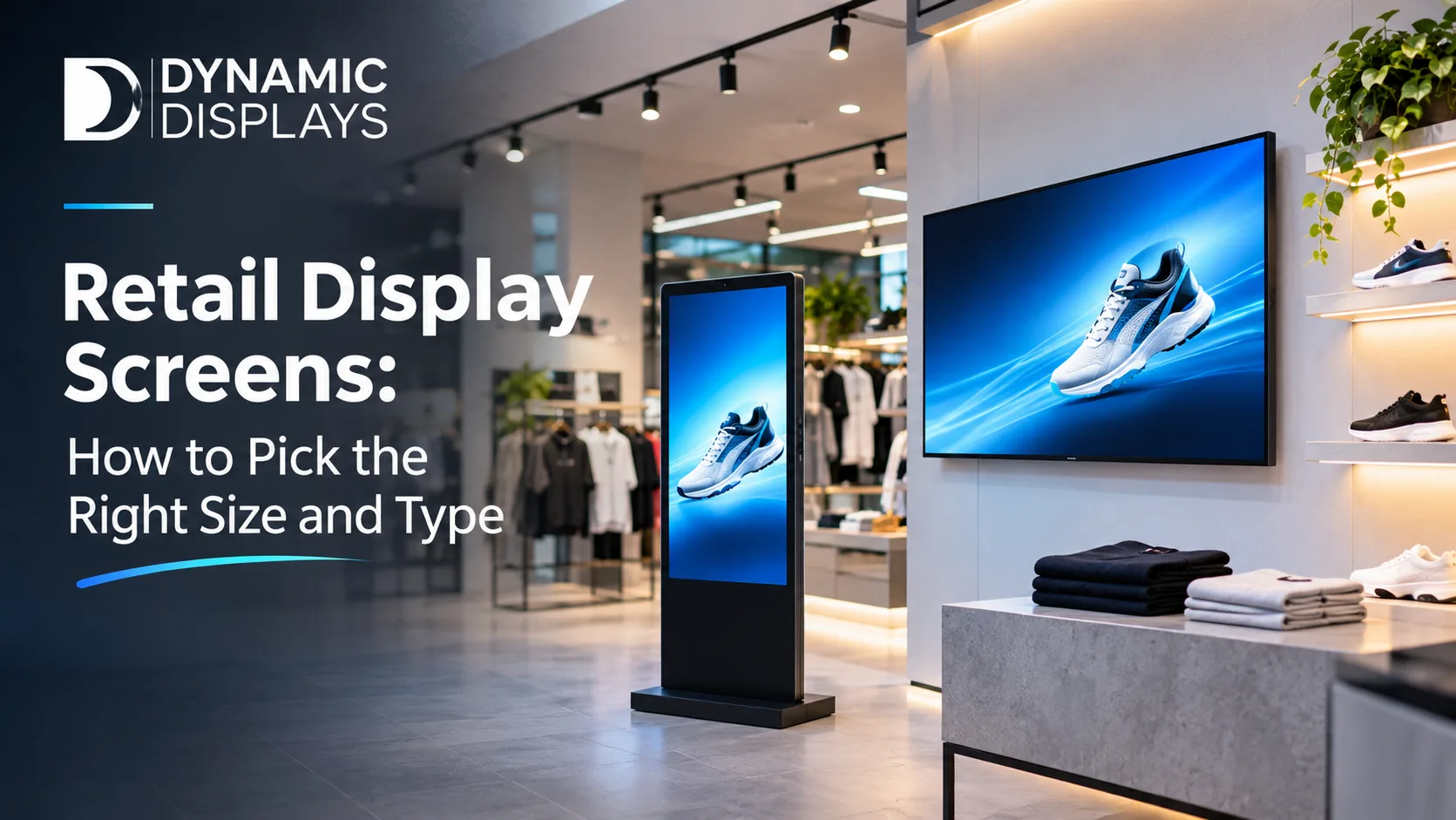
Indoor commercial LCD displays
Commercial LCD signage displays are the workhorse of retail digital signage. They come in sizes from 32 to 98 inches and beyond, mount on a wall or stand, and work in portrait or landscape. They suit in-store promotions, product information, point-of-purchase screens and digital price boards. You can also tile several LCDs together into a video wall.
High-brightness window displays
Window screens have a harder job than in-store screens because they compete with daylight. High-brightness window and semi-outdoor displays are built for shop windows and covered outdoor areas. They stay readable in strong light and help pull in customers walking past.
LED video walls
LED screens and video walls are built from modular panels that join into one seamless surface. They suit flagship stores, shopping centres, large feature walls and product launches. LED reaches larger sizes and higher brightness than LCD, so it’s the better choice when a message has to be read from far away.
Double-sided displays
Double-sided displays have a screen on each face and mount from the ceiling or on a floor stand. One media player can drive both sides, showing the same content or different content on each face. They work well in shop windows, with one side facing the street and the other facing into the store.
Stretched shelf-edge and banner displays
Stretched displays use an elongated aspect ratio of about 32:9. They fit along shelf edges or above aisles where a standard screen won’t fit, and they suit price messages, promotions and branded banners.
Interactive touch screens
Interactive touch screen displays let customers browse catalogues, check product details and find promotions on their own. They suit electronics stores, showrooms and larger retailers, and they take pressure off staff during busy periods.
Indoor 4K digital signage
Dynamic Displays’ indoor full-screen LCD digital signage is a plug-and-play 4K display with 2,000 nits brightness and a 178° viewing angle. It plays images and video on an automatic loop, supports split-screen layouts and has a built-in loudspeaker. It runs on Android, Windows or a stand-alone operating system, with optional touch.
Digital menu displays for food retail
For cafés, bakeries, delis and food courts, digital menu displays make it easy to update prices, specials and photos. Food retailers with a drive-thru lane can also use outdoor drive-thru menu boards.
Outdoor screens for storefronts
For screens outside the store, outdoor LED screen displays and programmable LED signs bring your offers to the footpath and forecourt. For a flexible option, the portable 43" smart outdoor signage screen is IP65 weatherproof, offers 2,500 nits brightness and runs for 10 hours on battery.
How to Pick the Right Retail Screen Size
Size is where most retailers go wrong. A screen that looks big in a showroom can feel small on a shop floor, and an oversized screen close to customers can be uncomfortable to watch.
Use the viewing-distance rule of thumb
A simple starting point: the screen’s diagonal in inches should be roughly one third to one half of the viewing distance in centimetres.
| Typical viewing distance | Suggested screen size range |
|---|---|
| 1 metre (100 cm) | About 32–50 inches |
| 1.5 metres (150 cm) | About 50–75 inches |
| 2 metres (200 cm) | About 65–98 inches |
| 3 metres and beyond | Large LCDs, tiled LCD video walls or LED video walls |
Use this as a guide only. Shelving, sight lines, ceiling height and where customers actually stand all change the answer, so Dynamic Displays runs a proper viewing-distance assessment before recommending a size.
Match the size to the placement
- Counter and checkout screens: Customers stand close, so a modest screen is usually enough for offers, add-ons and loyalty messages.
- Product zones and aisles: Mid-sized screens or stretched shelf-edge displays catch attention where buying decisions happen.
- Shop windows: Larger, high-brightness or double-sided screens are easier to see from the footpath.
- Feature walls and entrances: Large LCDs, tiled video walls or LED video walls make the biggest impression.
Know when you need 4K
Full HD (1920 × 1080) is the standard for most retail screens. Choose 4K (3840 × 2160) for screens above 65 inches viewed from within 2–3 metres, where customers are close enough to notice the extra sharpness.
How Bright Should a Retail Display Screen Be?
Brightness is measured in nits, and it’s the specification that matters most for window screens.
| Screen type | Typical brightness |
|---|---|
| Consumer TV | About 250–400 nits |
| Indoor commercial display | About 500–700 nits |
| High-brightness indoor display | About 1,000–1,500 nits |
| Outdoor or semi-outdoor display | At least 2,500 nits |
| Direct-sun location | 3,500 nits or more |
Window screens need extra care. A north-facing shop window can wash out a standard screen by midday, so window-facing displays need higher brightness than screens further inside the store.
Read more: LED Signage in Auckland: Types, Brightness and Best Uses
Portrait or Landscape?
Choose orientation to suit your content and space:
- Portrait suits fashion, beauty and product images, narrow walls, pillars and window displays.
- Landscape suits video, menus, price boards and wider walls.
Most commercial displays support portrait mode, but confirm this before buying so the screen is designed to run vertically.
Commercial Display or Consumer TV?
Consumer TVs are cheaper upfront, but they aren’t built for retail hours. Commercial displays are designed for long daily use, with sturdier components, higher brightness and more connection options. Dynamic Displays supplies commercial displays from leading brands including LG, Samsung, Sharp and Sony.
For a screen that runs all day, faces a window or sits at the centre of your customer experience, a commercial display usually costs less over its life than a TV that needs replacing early.
Matching Screens to Your Retail Sector
- Fashion and apparel: Portrait LCDs and high-brightness window screens to show collections, lookbooks and campaign videos.
- Electronics: Touch screens and in-store displays to demonstrate features and compare specifications.
- Supermarkets and grocery: Shelf-edge displays, digital price boards and screens showing daily offers, directions and queue updates.
- Beauty and cosmetics: In-store screens for tutorials and product demonstrations.
- Cafés and food retail: Digital menu displays and drive-thru menu boards.
- Shopping centres and flagship stores: LED video walls for large-scale branding.
Dynamic Displays also designs retail digital signage solutions alongside solutions for hospitality, hair salons, pharmacies, fitness and education.
Common Mistakes When Choosing Retail Display Screens
- Choosing size by budget alone. The viewing distance should decide the size, not the price tag.
- Putting an indoor screen in a sunny window. It will look washed out for much of the day.
- Using a consumer TV for all-day use. It isn’t built for long retail hours.
- Ignoring orientation. Content designed for landscape looks awkward on a portrait screen, and the reverse.
- Forgetting about content. A screen with stale content stops being noticed. Plan who will update it and how often.
- Skipping the site assessment. Sight lines, lighting and mounting all affect which screen is right.
Read more: Affordable Digital Signage Solutions for Small Businesses in Auckland
How Dynamic Displays Helps You Choose and Install Retail Screens
Our digital signage installation service takes you from first visit to a working screen:
- Brief and site visit: We check your space, sight lines, lighting, power and data access.
- Proposal and quote: You get an itemised scope covering screens, mounting, cabling, software, installation and support.
- Installation and setup: We mount the screens, connect the media players and test the picture on site.
- Content setup: We configure playlists, schedules and layouts so content changes automatically.
- Training and handover: Your staff learn to update content from a browser.
- Ongoing support: Maintenance and troubleshooting after installation.
Dynamic Displays Retail Display Products
In-store displays
- Indoor Digital Signage
- LCD Signage Displays
- Commercial Displays
- LED Screens and Video Walls
- Interactive Touch Screens
- Digital Menu Displays
Storefront and outdoor displays
- Outdoor Signage
- Outdoor LED Screen Display
- LED Signs
- Programmable LED Signs
- Digital Billboards
- Drive-Thru Menu Boards
Services
Final Thoughts: Choose the Screen for the Space
The best retail display screen isn’t the biggest or the most expensive. It’s the one that suits where your customers stand, how much light falls on it and what you want it to show. Get the type, size and brightness right, and your screen works for you every hour your doors are open.
Your next step: Measure the distance from where customers will stand to where the screen will go, and note whether the spot gets direct sun. With those two facts, you’re halfway to the right screen.
Find the Right Screen for Your Store
Book a free site visit and get an itemised, obligation-free quote from Dynamic Displays.