
A road closes, a pool shuts early, or a storm warning comes through, and the only place people check is the noticeboard at the front door. If that notice is a printed sheet behind glass, it’s already out of date. That gap between what’s happening and what the public can see is why more New Zealand councils and public venues are switching to digital signage.
This guide explains how digital signage for councils and public venues works in practice: where screens make the biggest difference, which display types suit each space, and what councils and venue managers should plan before they spend. It’s written by the team at Dynamic Displays, a Wellington-based company that supplies, installs and supports digital signage across New Zealand. We bring more than 10 years in the industry and 200+ projects delivered.
Why Councils and Public Venues Are Moving to Digital Signage
Councils and public venues communicate with a wide audience: ratepayers, visitors, families, commuters, event crowds and staff. The information changes constantly. Opening hours shift, events come and go, and urgent notices can’t wait for a print run.
Digital signage solves several problems at once:
- Information stays current. Staff update content remotely, so notices change in minutes rather than days.
- One message reaches many places. The same update can go to a service centre, a library and a recreation centre at the same time.
- Less printing and less waste. Posters, flyers and laminated notices are replaced by screens you update centrally.
- Urgent messages get seen. Closures, safety notices and emergency messages can go up immediately on screens people already look at.
- Spaces feel modern and welcoming. Clear, bright displays make public buildings easier to use and navigate.
Read more: How Signage NZ Helps Businesses Improve Visibility and Brand Awareness
Where Digital Signage Works in Council Facilities and Public Venues
Every public building has different needs. Here’s how digital signage fits the spaces councils and venue operators manage most often.
Customer service centres and civic buildings
Service centres are busy, and visitors often don’t know where to go. Indoor screens in the foyer can show service information, opening hours, public notices and community news. A commercial LCD signage display near the entrance or waiting area keeps people informed while they wait.
For reception areas, interactive touch screen displays let visitors find information themselves, such as building directories or service options.
Libraries and community centres
Libraries and community centres run a steady stream of programmes, classes and events. Screens near the entrance and in common areas can promote what’s on this week, highlight new services and share community notices. Dynamic Displays’ indoor digital signage uses 4K displays that play images and video on an automatic loop and support split-screen layouts, so one screen can show several notices at once.
Recreation centres, pools and sports facilities
Timetables are the most-read information in any recreation centre. Lane availability, class schedules and closures change daily. Digital screens at reception and on the facility floor keep everyone up to date without staff reprinting timetables.
Outdoors, LED signs suit sports facilities and public information points. They show text, images and video, and they can be updated instantly.
Event venues, halls and theatres
Event venues need signage that changes with every booking. LED screens and video walls create a strong focal point in foyers, and a large LED screen can serve as a stage or event backdrop. Between events, the same screens can promote upcoming shows and share venue information.
Town centres, parks and public spaces
For outdoor public information, outdoor digital signage brings council messaging to where people already are. Use cases include:
- Event promotion in town centres
- Community notices and public campaigns
- Wayfinding and visitor information
- Safety and emergency messaging
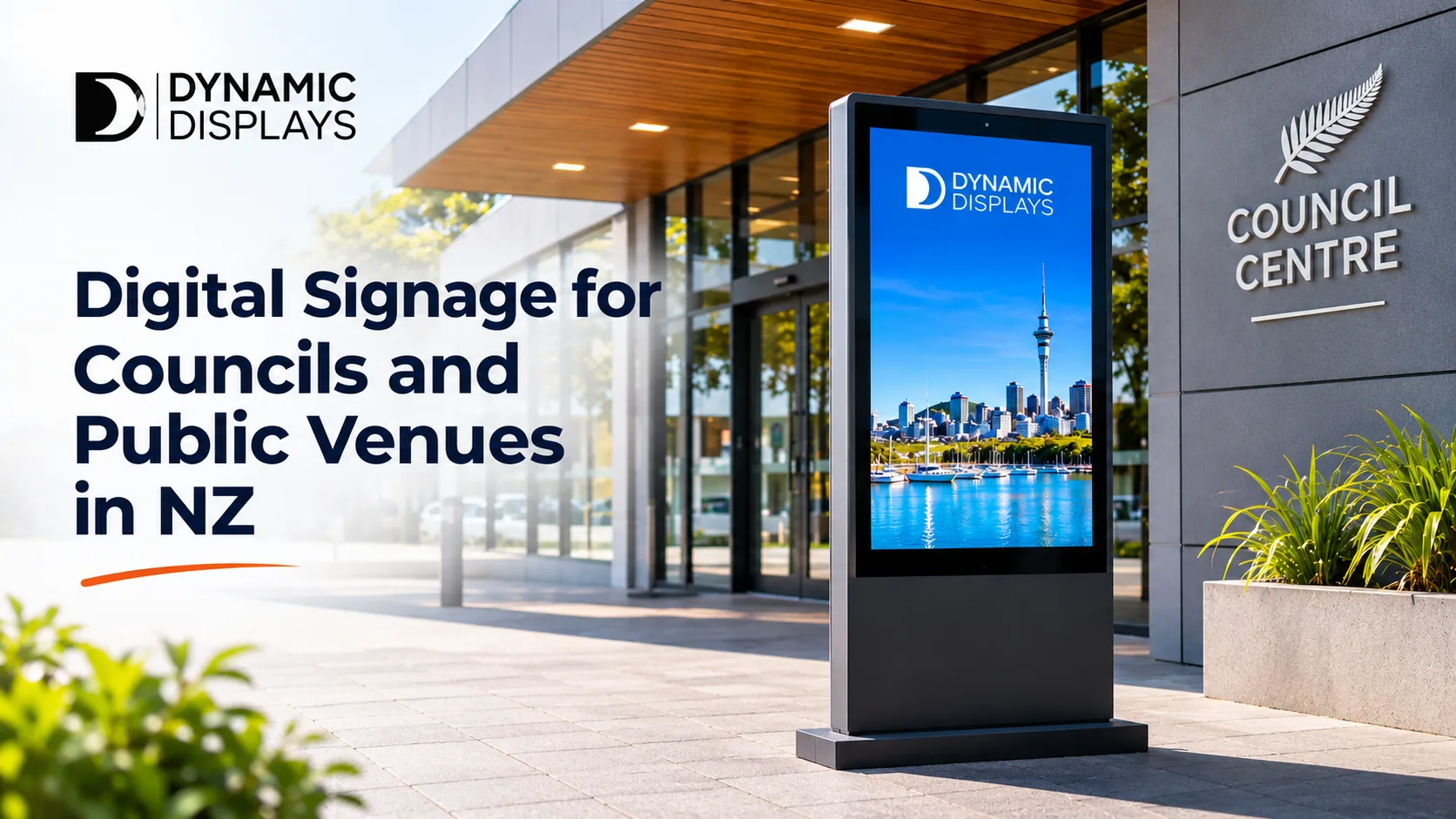
An outdoor LED screen display can be wall-mounted on a building, freestanding on one or two poles, or built from modular LED panels for larger installations.
Transport hubs
Bus stations and transit centres need information that’s clear from a distance and updated in real time. Digital billboards suit transport hubs, government and public facilities, and they can rotate several messages on one display.
Council meeting rooms and chambers
Councils also need good technology behind the scenes. Smart meeting room solutions from Dynamic Displays combine audio, high-definition video conferencing, wireless presentation and simple controls. They support hybrid meetings, workshops and presentations for staff and elected members.
Wayfinding and Emergency Messaging: The Public-Service Advantage
Two uses matter more for councils and public venues than for most businesses.
Wayfinding
Large civic buildings, campuses and venues can be confusing for first-time visitors. Digital wayfinding screens show directions, room bookings and schedules, and you can update them whenever rooms or services move. Unlike printed maps, they never go out of date.
Emergency and urgent messaging
When something goes wrong, a weather event, an evacuation or a sudden closure, screens already in place become a fast way to reach the public. Content can be pushed remotely through cloud-based software, so the message goes up even if staff can’t reach the building.
To get the most from this, plan for it at setup:
- Decide who has permission to publish urgent messages
- Prepare emergency templates in advance
- Set up fallback content in case a network connection drops
Dynamic Displays configures access control, scheduling and fallback plans as part of every content system setup.
Choosing the Right Displays for Public Spaces
| Space | Recommended display | Why it suits |
|---|---|---|
| Service centre foyer | LCD signage display | Clear, bright indoor information |
| Reception or library | Interactive touch screen | Self-service information for visitors |
| Recreation centre | Indoor 4K digital signage | Timetables and notices with split-screen layouts |
| Event venue foyer | LED video wall | Large, high-impact display for events |
| Sports facility or park | Outdoor LED sign | Weatherproof public information |
| Town centre or building facade | Outdoor LED screen display | Video and images visible to passers-by |
| Transport hub or roadside | Digital billboard | Long viewing distance, rotating messages |
| Temporary events and community days | Portable 43" outdoor screen | No installation, battery powered |
For temporary needs, Dynamic Displays’ 43" smart outdoor signage portable screen is IP65 weatherproof, offers 2,500 nits brightness and runs for 10 hours on battery. It has built-in GPS anti-theft tracking and a secure locking bar, which is useful for screens left in public spaces.
Read more: What Are the Best Types of Display Screens for Outdoor Digital Signage in New Zealand
What Councils and Venue Managers Should Plan Before Buying
Public sector projects come with extra responsibilities: accountability for spending, long asset lifespans and public safety. These are the points to plan early.
Build for all-day, every-day use
Public screens often run for long hours, so commercial-grade displays matter. Consumer TVs aren’t designed for continuous operation. Commercial outdoor units are typically rated for 50,000 hours or more.
Specify for New Zealand conditions
Outdoor screens in public spaces need:
- Brightness of at least 2,500 nits, rising to 3,000–5,000 nits for screens facing direct north or west sun
- An IP65 rating at minimum, and IP66 for coastal or high-rainfall sites
- Structural mounting engineered for wind loads on exposed sites
- Weatherproof cabling, conduit and circuit protection
Check consent requirements
Large permanent outdoor screens may need resource consent under the district plan. This applies to councils’ own facilities as well as private sites. Dynamic Displays checks approvals as part of the site assessment.
Plan content governance
Decide early who creates content, who approves it and who can publish urgent messages. A content management system with access control lets different teams manage their own screens while keeping council branding consistent.
Think about multiple sites
Councils often manage many facilities. Central content management means one team can update screens across libraries, service centres and recreation centres from a web browser.
Ask for an itemised quote
For procurement and budget sign-off, an itemised quote makes comparison easier. It should list screens, mounting, cabling, media players, software, installation, training and support separately.
Read more: Digital Signage Companies NZ: How to Choose the Right One
How Dynamic Displays Delivers Digital Signage for Public Venues
Our digital signage installation service covers the whole project, so councils and venue operators deal with one team.
Brief and site visit
We check the space, power and data access, and confirm what each screen needs to achieve. For outdoor sites, we also assess light levels, wind loads and approvals.
Proposal and quote
You receive a written scope covering screens, mounting, cabling, software, installation and support, with each part listed clearly.
Installation and setup
Our team mounts the screens, connects the media players, routes cabling neatly and tests the picture on site.
Content system setup
We configure playlists, schedules and layouts, along with access control and fallback plans for urgent and emergency messaging.
Testing, training and handover
Every screen is tested and the schedule checked. We then train your staff to manage content confidently.
Ongoing support
After handover, Dynamic Displays provides maintenance, troubleshooting and support to keep your public screens running.
Dynamic Displays Products for Councils and Public Venues
Indoor displays
- Indoor Digital Signage
- LCD Signage Displays
- Commercial Displays
- LED Screens and Video Walls
- Interactive Smart Boards and Touch Screens
- Smart Meeting Rooms
- Digital Menu Displays for cafés in libraries, leisure centres and venues
Outdoor displays
- Outdoor Signage
- Outdoor Digital Signage
- Outdoor LED Screen Display
- Digital Billboards
- LED Signs
- Programmable LED Signs
Services
Final Thoughts: Keep the Public Informed in Real Time
For councils and public venues, digital signage is about communicating accurately and quickly, not just looking modern. The right screen in the right place means the public sees current information, whether that’s a class timetable, an event, a closure or an emergency notice. Start with the spaces where information changes most often, and build a system your team can manage confidently.
Your next step: List the notices your team reprints most often and the places they go. Those spots are usually the best first locations for screens.
Plan Digital Signage for Your Council or Venue
Book a site visit and get an itemised, obligation-free quote from Dynamic Displays.