Imagine walking into a large hospital, shopping centre, university campus, airport, or corporate office and having no idea where to go next. Even the most well-designed buildings can become frustrating if visitors cannot quickly find their destination. Confusion leads to delays, missed opportunities, poor customer experiences, and unnecessary stress.
This is where effective Signage Systems play a critical role.
Modern signage systems do far more than display names or directions. They guide visitors, improve accessibility, reduce staff interruptions, support operational efficiency, and create a more positive experience for everyone entering a space. Whether through traditional directional signs, digital displays, interactive kiosks, or comprehensive wayfinding networks, signage has become an essential component of modern environments.
In this guide, we'll explore how signage systems improve navigation, the different types available, where they deliver the greatest impact, and what businesses should consider when implementing an effective wayfinding strategy.
Why Navigation Problems Cost Businesses More Than They Realize
Navigation issues often appear minor on the surface. However, they can create significant challenges that affect visitors, customers, employees, and overall business performance.
Common navigation problems include:
- Visitors getting lost
- Increased customer frustration
- Delayed appointments
- Reduced productivity
- Higher demand on reception staff
- Missed sales opportunities
- Poor first impressions
- Accessibility challenges
When people cannot find what they need quickly, their experience suffers. Effective signage systems solve these issues before they occur.
What Are Signage Systems?
A signage system is a coordinated collection of signs, displays, symbols, maps, and visual communication tools designed to help people navigate a physical environment.
Unlike individual signs that serve a single purpose, signage systems create a connected navigation experience throughout an entire facility or location.
A comprehensive signage system may include:
- Entrance signs
- Directional signs
- Identification signs
- Digital displays
- Wayfinding maps
- Safety signs
- Regulatory signage
- Interactive information kiosks
The goal is simple: guide people efficiently from one point to another while minimizing confusion.
The Journey Mapping Approach to Effective Navigation
Successful navigation starts with understanding how visitors move through a space.
Step 1: Arrival
Visitors need immediate confirmation they are in the correct location.
Examples include:
- Building identification signs
- Parking guidance signs
- Entrance markers
Step 2: Orientation
Once inside, visitors need an overview of the environment.
Helpful tools include:
- Directory boards
- Interactive maps
- Reception displays
Step 3: Route Guidance
Visitors require clear instructions throughout their journey.
This is where directional signage becomes essential.
Step 4: Destination Confirmation
People need reassurance that they have arrived at the correct location.
Room numbers, department signs, and office identifiers provide this confirmation.
How Signage Systems Improve User Experience
Reducing Cognitive Load
Visitors already process a significant amount of information when entering unfamiliar environments.
Well-designed signage removes uncertainty and reduces mental effort.
Instead of constantly asking:
- Where am I?
- Where should I go?
- Is this the correct direction?
Visitors receive immediate answers through clear visual cues.
Creating Confidence
People feel more comfortable when they can navigate independently.
Effective signage gives users confidence in their decisions and movements.
Supporting Accessibility
Inclusive navigation is critical.
Modern signage systems support accessibility through:
- High-contrast text
- Braille signage
- Universal symbols
- Appropriate font sizes
- Multilingual communication
These features make environments more welcoming and compliant with accessibility standards.
Improving Visitor Satisfaction
Visitors who find their destination quickly are more likely to have a positive experience with the organization as a whole.
Types of Signage Systems and Their Roles
Different environments require different signage solutions.
Directional Signage
Directional signs guide movement throughout a facility.
Examples include:
- Arrows
- Floor indicators
- Department directions
- Parking guidance
These signs form the backbone of most navigation systems.
Identification Signage
Identification signs confirm locations.
Examples include:
- Room numbers
- Office names
- Department labels
- Building identifiers
Informational Signage
These signs provide supporting information.
Examples include:
- Opening hours
- Visitor instructions
- Facility rules
- Event schedules
Regulatory Signage
Regulatory signs communicate requirements and restrictions.
Examples include:
- Safety notices
- Restricted access warnings
- Compliance information
Digital Signage Systems
Digital displays introduce flexibility and real-time communication.
Benefits include:
- Instant updates
- Interactive navigation
- Dynamic content
- Emergency messaging
Comparing Traditional and Digital Signage Systems
| Feature | Traditional Signage | Digital Signage Systems |
|---|---|---|
| Content Updates | Manual | Remote and instant |
| Flexibility | Limited | Highly adaptable |
| Interactivity | None | Available |
| Real-Time Information | No | Yes |
| Wayfinding Capabilities | Static | Dynamic |
| Emergency Communication | Limited | Immediate |
Many organizations now combine both approaches for maximum effectiveness.
Industries That Benefit Most from Advanced Signage Systems
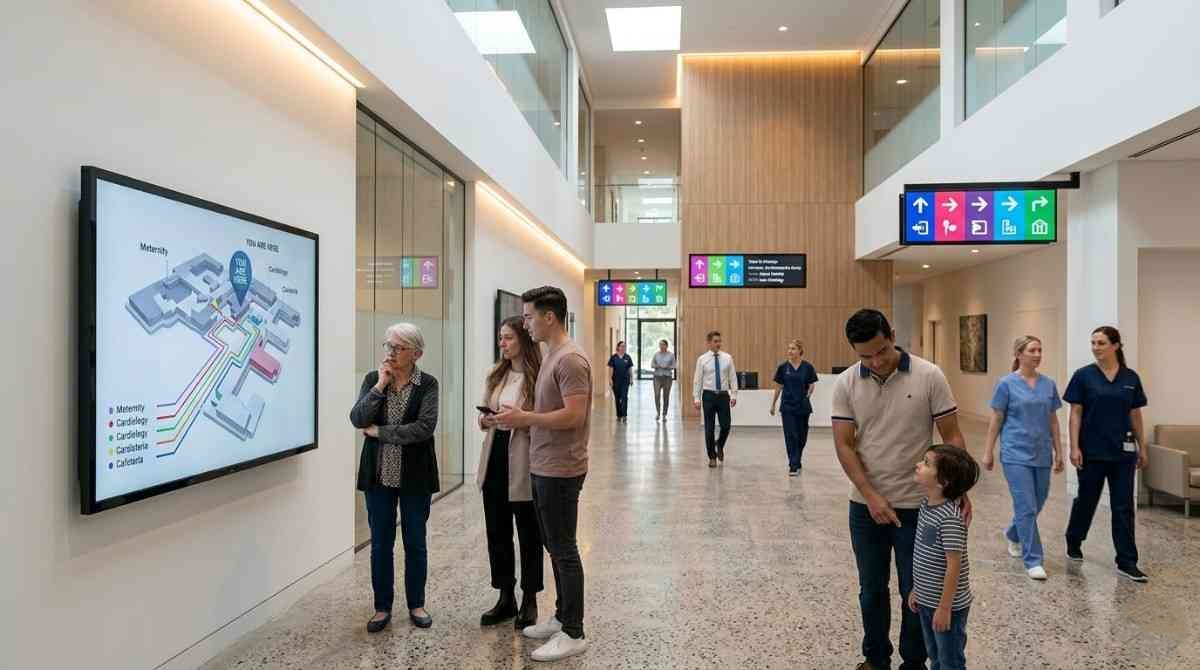
Healthcare Facilities
Hospitals often contain multiple departments spread across large campuses.
Signage systems help patients and visitors navigate:
- Clinics
- Waiting areas
- Diagnostic centres
- Emergency departments
This reduces stress during already challenging situations.
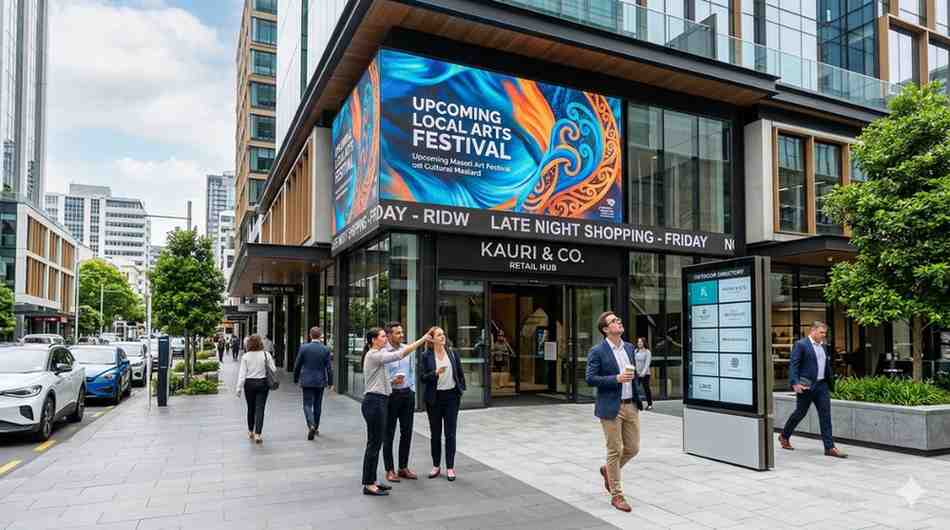
Retail Centres
Shopping centres use signage to:
- Direct visitors to stores
- Highlight amenities
- Promote services
- Improve customer flow
Educational Institutions
Universities and schools often have complex layouts.
Students, visitors, and staff rely on effective navigation systems to locate:
- Classrooms
- Administrative offices
- Libraries
- Event venues
Corporate Offices
Large office buildings use signage systems to support:
- Visitor management
- Employee navigation
- Meeting room identification
- Department location
Airports and Transport Hubs
Transportation facilities depend heavily on wayfinding systems to ensure smooth passenger movement.
Common Mistakes That Make Navigation More Difficult
Even well-intentioned signage can fail when basic principles are overlooked.
Too Much Information
Overloaded signs become difficult to read quickly.
Focus on concise, relevant messaging.
Inconsistent Design
Different fonts, colours, and layouts create confusion.
Consistency improves recognition and comprehension.
Poor Placement
Signs hidden behind obstacles or positioned too high often go unnoticed.
Visibility should always be a priority.
Lack of Hierarchy
Not all information carries equal importance.
Critical navigation cues should receive the greatest visual emphasis.
Ignoring Visitor Perspectives
Designers sometimes understand a space too well.
New visitors experience the environment differently and require clearer guidance.
Designing Signage Systems That Actually Work
Start with User Research
Understand:
- Visitor goals
- Traffic patterns
- Common pain points
- Frequently asked questions
This information forms the foundation of an effective system.
Create a Consistent Visual Language
Use consistent:
- Colours
- Icons
- Typography
- Materials
- Naming conventions
Consistency reduces learning time and improves navigation speed.
Keep Messages Short
Visitors often read signs while moving.
Simple instructions are easier to process quickly.
Test Before Full Deployment
Pilot testing reveals navigation issues before large-scale implementation.
Observe how first-time visitors interact with the signage system.
The Growing Role of Smart Signage Technology
Technology continues to transform navigation experiences.
Emerging innovations include:
Interactive Wayfinding Displays
Touchscreen kiosks provide customized route guidance.
QR Code Navigation
Visitors can scan codes for mobile directions.
Real-Time Occupancy Information
Digital signage can display room availability and queue status.
AI-Driven Guidance
Artificial intelligence can personalize navigation recommendations based on visitor needs.
Mobile Integration
Signage increasingly works alongside mobile apps to create seamless navigation experiences.
Measuring the Success of a Signage System
Organizations should evaluate performance using measurable outcomes.
Key indicators include:
| Metric | Impact |
|---|---|
| Visitor Satisfaction | Improved experience |
| Wayfinding Accuracy | Reduced navigation errors |
| Staff Assistance Requests | Lower demand on staff |
| Customer Retention | Better overall impressions |
| Facility Efficiency | Faster movement through spaces |
| Accessibility Compliance | Improved inclusivity |
Regular assessments help identify opportunities for improvement.
Expert Checklist Before Installing a Signage System
Before implementation, ask the following questions:
✓ Can first-time visitors navigate independently?
✓ Are signs visible from appropriate distances?
✓ Is the language clear and concise?
✓ Does the design remain consistent throughout the facility?
✓ Are accessibility requirements addressed?
✓ Can future updates be accommodated?
✓ Does the system support both visitors and employees?
✓ Are emergency communications integrated where necessary?
Organizations that answer "yes" to these questions typically achieve better navigation outcomes.
Why Businesses Are Investing More in Navigation Solutions
Customer expectations continue to rise.
People expect environments to be intuitive, accessible, and easy to navigate.
As facilities become larger and more complex, effective signage systems provide a practical solution for:
- Enhancing customer experiences
- Improving operational efficiency
- Supporting accessibility
- Strengthening brand professionalism
- Reducing visitor frustration
Organizations that prioritize navigation create environments that are easier to use and more welcoming for everyone.
Conclusion
Confusion should never be part of the customer journey. Whether visitors are entering a healthcare facility, retail centre, educational campus, corporate office, or public venue, clear navigation directly influences their experience.
Well-designed Signage Systems help people move confidently through spaces, reduce frustration, improve accessibility, and support operational efficiency. From traditional directional signs to advanced digital wayfinding solutions, effective navigation systems create smoother journeys and stronger impressions.
If you're looking to implement professional signage systems that improve visitor experiences and simplify navigation, contact Dynamic Displays today at +64 21 281 5009. Our team can help you create signage solutions that guide, inform, and engage your audience with confidence.