
A practical guide to digital signage in Auckland: the main screen types, where each works best, what drives the cost and how to plan an install that suits your premises.
Picture a Newmarket clinic, an Albany showroom and a cafe on Karangahape Road. Each one needs a message that changes through the day, and a printed sign cannot do that. This is where digital signage Auckland businesses are adopting comes in: screens that show offers, menus, directions or brand content, updated from a browser instead of a print shop.
This guide explains the main types of digital signage, where each one works best in Auckland, what drives the cost and how to plan an install that suits your premises. It is written for owners and managers who need to brief an installer, not for people who want a technical manual.
Dynamic Displays has worked with digital signage for more than 10 years and has delivered 200+ projects across New Zealand, so the advice below reflects situations that come up on real sites.
What Digital Signage Means for Auckland Businesses
Digital signage is any screen-based display managed with software to show content on a schedule. A single TV with a USB stick technically qualifies, but most businesses want a commercial display, a media player and a content management system, so every screen can be updated without a visit to each one.
In Auckland, where retail strips, malls, offices and venues sit close together, the main benefit is speed. A promotion can start at lunchtime, a menu can drop a sold-out item, and a reception screen can greet a visitor by company name. A sign that changes when your business changes keeps the message accurate and saves reprinting.
Types of Digital Signage Auckland Businesses Use
Most projects fall into six types. Picking the right one is mostly a question of where the screen sits and how far away people are when they read it.
Commercial LCD displays
Commercial displays are built for long daily hours, brighter output and remote management. They suit shop floors, reception areas, waiting rooms and meeting rooms. Our range of LCD signage displays covers most indoor spaces and can be tiled into a video wall.
LED video walls
An LED wall builds one large picture from modular panels, so it can be sized to a feature wall or a double-height lobby. LED screens and video walls work well where the screen is the first thing visitors see, such as showrooms, venues and corporate foyers.
Outdoor LED screens and billboards
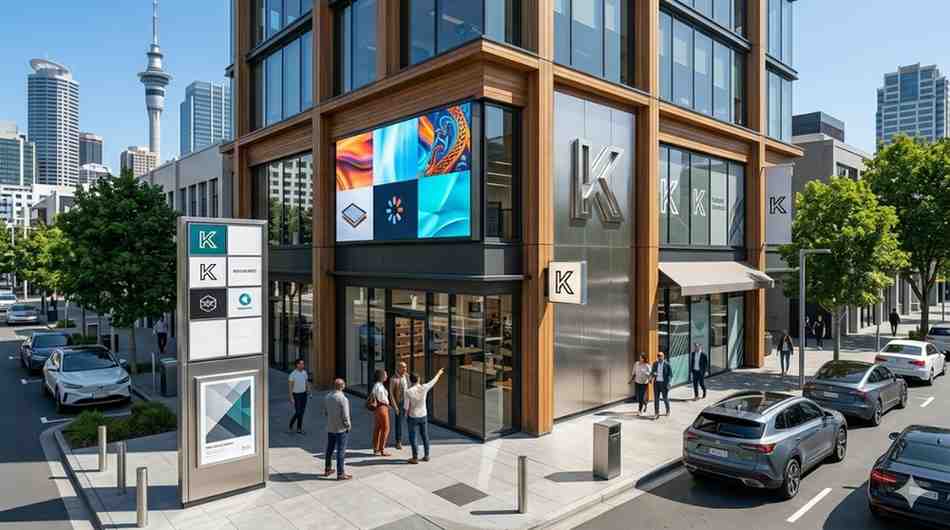
Outdoor screens need high brightness, a sealed cabinet and a sturdy structure. Options include an outdoor LED screen display for a storefront or forecourt and digital billboards for larger roadside sites.
Programmable LED signs
Programmable signs show short text messages such as opening hours, specials or event dates. They cost less than a video screen and suit shop fronts and windows. See our programmable LED signs and LED signs for examples.
Digital menu boards
Cafes, restaurants and takeaways use digital menu boards to update prices, promote specials and hide sold-out items. The screens can follow the time of day, so breakfast, lunch and dinner menus switch on their own.
Interactive screens and kiosks
Touch screens let visitors browse products, find directions or check in. Interactive smart boards also work as presentation tools in meeting rooms and training spaces.
Top Uses of Digital Signage in Auckland
The same screen can do very different jobs depending on the business. These are the uses we see most often:
- Retail stores promote offers at the shelf and in the window, and change them without reprinting.
- Cafes and restaurants show menus, specials and opening hours on screens that follow the time of day.
- Offices and meeting rooms display schedules, announcements, room booking status and visitor greetings.
- Clinics, gyms and education providers share notices, timetables and wayfinding in one place.
- Car yards and forecourts show stock, offers and finance messages on high-brightness screens.
If you run a retail business, our guide to digital signage Auckland solutions for retail businesses goes deeper on shop floor layouts.
Indoor vs Outdoor Screens
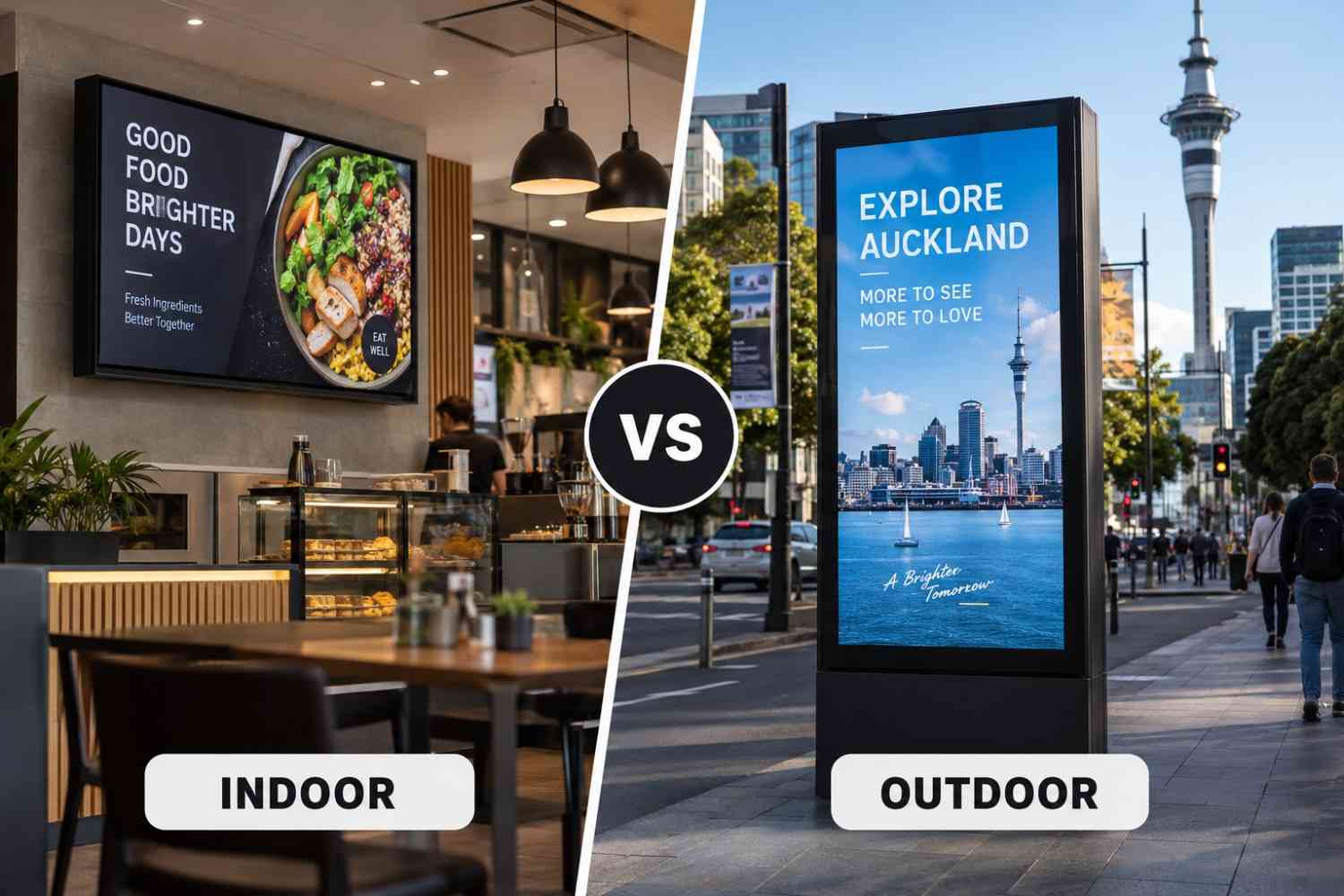
Indoor and outdoor screens solve different problems. Brightness, weather protection and viewing distance change from one location to the next, so the table below shows what to check in each space.
|
Space |
Typical screen |
What to check |
|
Shop window |
High-brightness commercial display or LED |
Glare, reflections and viewing angle from the footpath |
|
Shop floor |
Commercial display |
Viewing distance and mounting height |
|
Reception |
LCD display or video wall |
Cable concealment and wall strength |
|
Outdoor forecourt |
Outdoor LED screen |
Weather rating, brightness and council rules |
|
Meeting room |
Interactive display |
Screen size against room size |
Read more: Indoor vs Outdoor Digital Signage in Auckland: Which Is Better?
What Affects Digital Signage Cost in Auckland
There is no single price for digital signage, because two sites of the same size can need very different equipment. The main cost drivers are:
- Screen size and type
- Brightness and the hours the screen is rated to run
- Indoor or outdoor use, including weather protection
- Mounting, structure and seismic fixing for heavier screens
- Power and data cabling
- Media players and content software
- Content creation and training
- Installation, warranty and ongoing support
A consumer TV costs less upfront, but it is not built for a 16 or 24 hour day, so a commercial display often costs less over its working life. Ask for an itemised quote that lists hardware, installation, software and support separately. That makes it easier to compare suppliers and to see what you are paying for.
Dynamic Displays quotes each project individually after a site check, because the mounting surface, the cable route and the viewing distance all change the price.
Planning an Auckland Install
Check the building and your lease
If you lease your premises, confirm with the landlord before drilling into walls or windows. Wall-mounted screens count as non-structural elements in a building, so fixings and wall construction matter, particularly for large or heavy displays in a country with regular earthquakes. We check the wall type and weight on the site visit.
Check the signage rules
Indoor screens are usually straightforward, but illuminated outdoor signs can fall under Auckland Council sign rules. Size, position, brightness and whether the sign faces a road may all matter. Check with the council before ordering an outdoor sign, and allow time if consent is needed.
Plan power, data and content
Every screen needs power, and most need a network connection. Decide who will create content and how often it will change before you buy hardware. A screen with stale content does more harm than good, so a simple content plan is part of the project.
Common Mistakes to Avoid
Most digital signage problems come from a short list of avoidable decisions. Checking them before you buy saves money and rework.
- Buying a consumer TV for a screen that runs all day, then replacing it early because it was not built for that duty.
- Ignoring glare and viewing distance, so the screen looks good in the showroom and washed out in the window.
- Skipping the content plan, which leaves screens showing the same slide for months.
- Forgetting cable and power routes, which adds cost when walls or ceilings need to be opened up later.
- Choosing the cheapest quote without checking what support and warranty are included.
A site visit before the quote catches most of these. It is the quickest way to learn what the building will allow and what the screen will face every day.
Content Ideas That Work on Auckland Screens
Hardware gets the attention during a project, but content decides whether the screen earns its place. Short, clear messages work best because most people glance at a screen for a few seconds while walking past or waiting in a queue.
Schedule content around your day. A cafe can show breakfast items in the morning, lunch deals at noon and drinks after work. A clinic can show reception notices in the morning and health information in the afternoon. A retailer can start a flash promotion at a quiet time and end it automatically.
Auckland weather changes quickly, so some businesses link messages to conditions, such as cold drinks on a sunny afternoon or hot food on a wet evening. Not every content system supports this, so ask about it before you choose software. Add one clear call to action to each message, such as a QR code, a phone number or an in-store offer, so the screen leads to something measurable.
How to Measure Whether Your Screens Are Working
A screen should have a job you can check. Decide on one measure before launch, such as sales of a promoted item, uses of an offer code or enquiries from a QR code. Compare the same weekday and time block before and after the screen goes live, so seasonal swings do not distort the result.
Give each content change a few weeks before you judge it. If a message does not move the number you chose, change the message, not the hardware.
How Dynamic Displays Can Help
Dynamic Displays supplies, installs and supports screens for businesses across New Zealand. You can see our full range of digital signage in NZ, browse indoor signage options, look at outdoor digital signage or explore LED signage. If you want one team to handle the whole job, see our digital signage installation service. For storefronts and commercial buildings, our building signage Auckland page covers fixed signs as well.
Steps to Get Started with Digital Signage in Auckland
- Write down what the screen should achieve, such as promoting offers, showing menus or welcoming visitors.
- List the locations and note power, network and viewing distance at each one.
- Choose indoor, outdoor, LED or LCD based on those locations.
- Ask for an itemised quote that covers hardware, installation, software and support.
- Plan your first set of content and who will update it.
Final Thoughts: Start with One Screen and Grow
You do not need a full network on day one. Many Auckland businesses start with one or two screens in the highest-traffic spot, learn what content works and then add more. The important choices are a commercial display, software that your team can use and an installer who will still be around when something needs attention.
If you are planning a project, contact our team with your location and goals, and we will recommend a setup and provide a clear quote. You can also learn more about Dynamic Displays and the work we do across New Zealand.
Read more: Affordable Digital Signage Solutions for Small Businesses in Auckland